

A missing course is requested right inside the event builder. A custom format goes through Help and support.
Step by step
Missing course. In the builder's Where and when step, search for your course, and try the wider deep search. Still not there? Tap Still can't find it? Request this course and submit. It opens a support request with the course name already filled in.
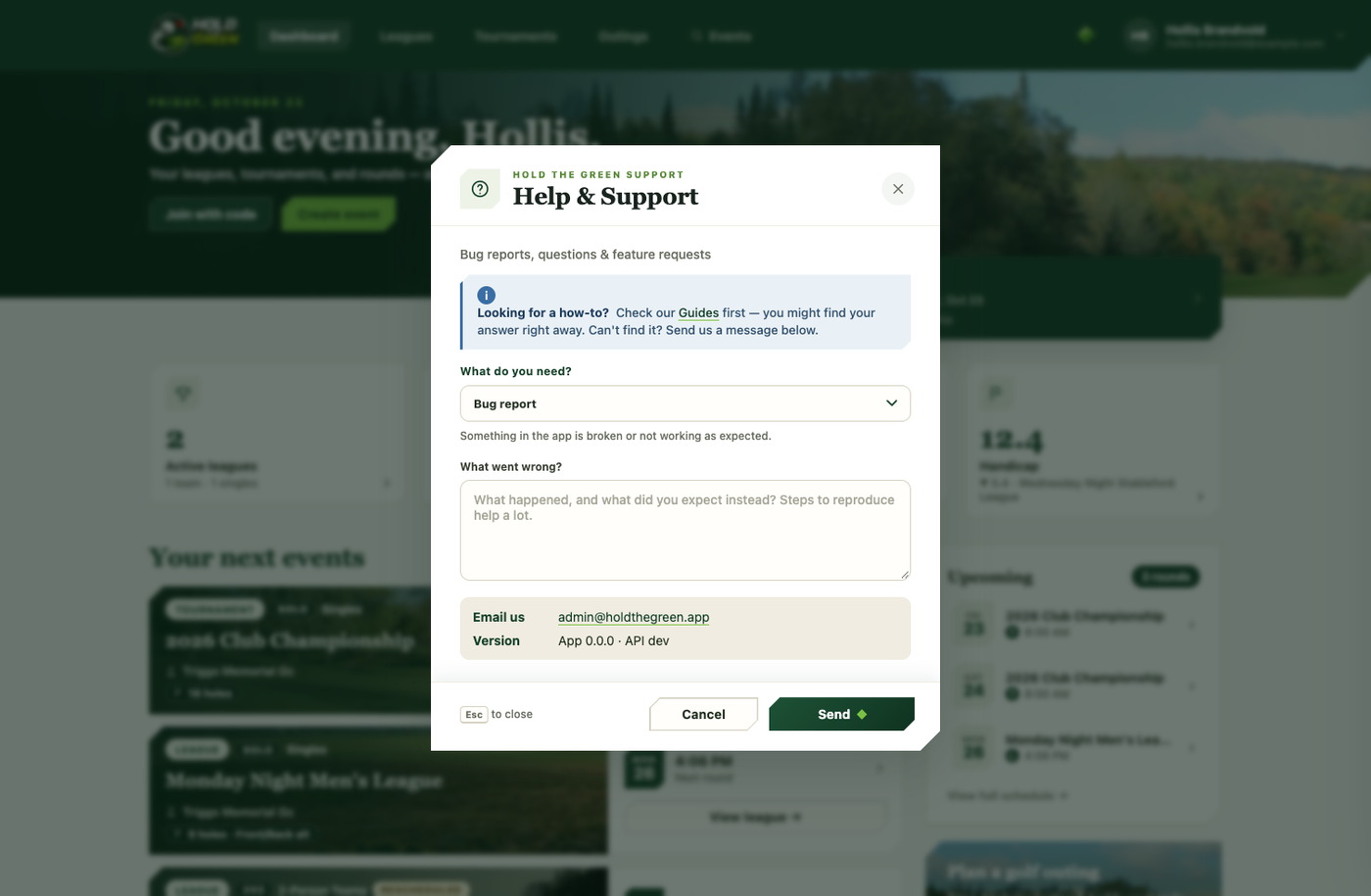
Custom format. If none of the built-in formats covers a rule your group plays by, open Help and support, choose Custom format, and describe what you need.
Who reads it
Both requests go straight to the Hold the Green team.
Did this answer it?
Updated