

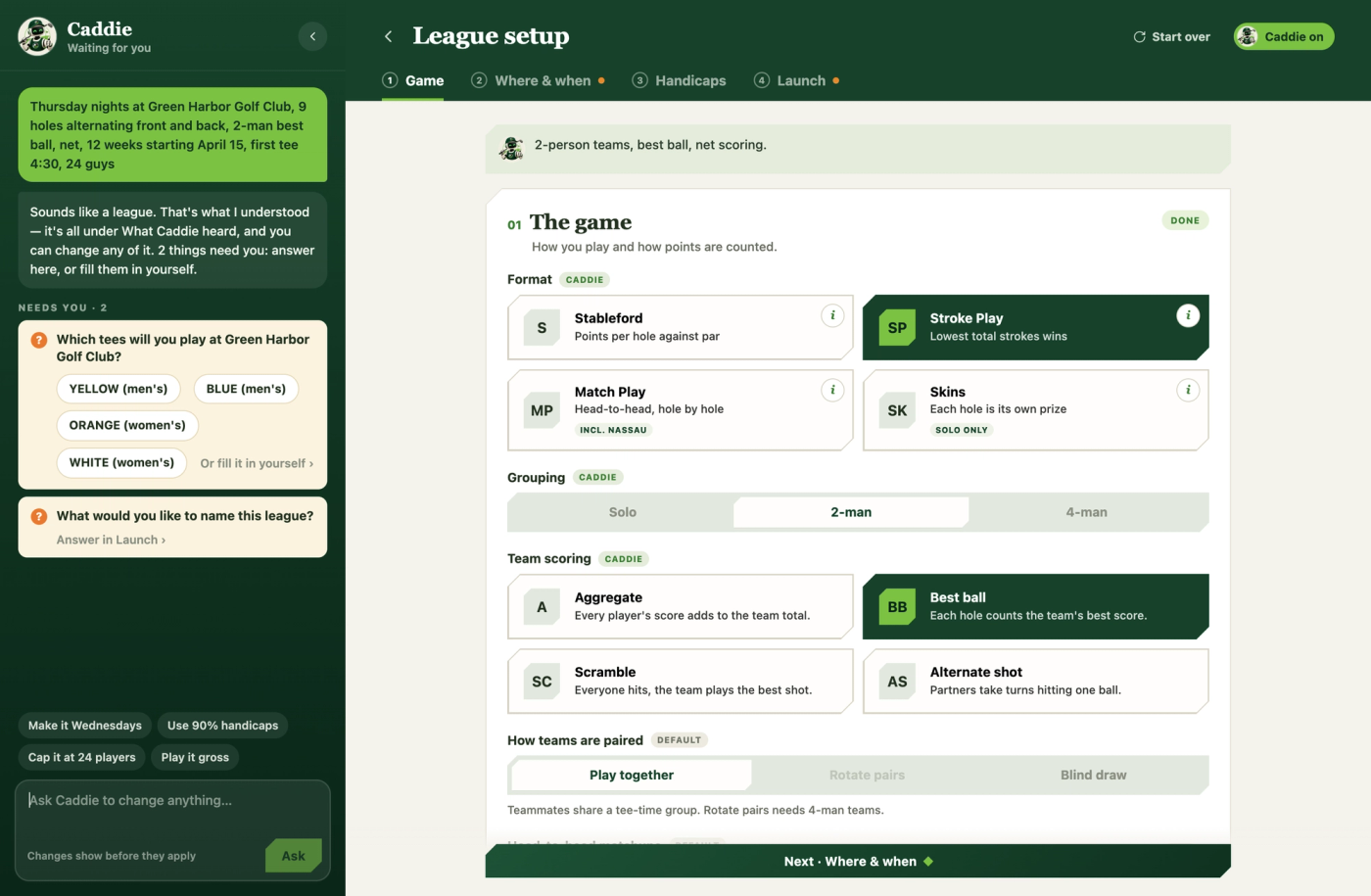
Net or gross is a setting every format shares. It lives in the builder's Game step, and later in an event's settings.
Step by step
Open the builder's Game step, or the event's Settings.
Find the Net / Gross setting and choose Net only, Gross only or Both.
Net subtracts each player's handicap allowance from their score. Gross is the raw score, with no adjustment.
When to run both
Both gives you two parallel competitions from the same rounds. It suits a group with a wide handicap spread that still wants a gross leaderboard for its low handicaps.
Did this answer it?
Updated