
Getting Help
Hit a snag? Open the menu under your name in the top bar and choose Support.
What to send
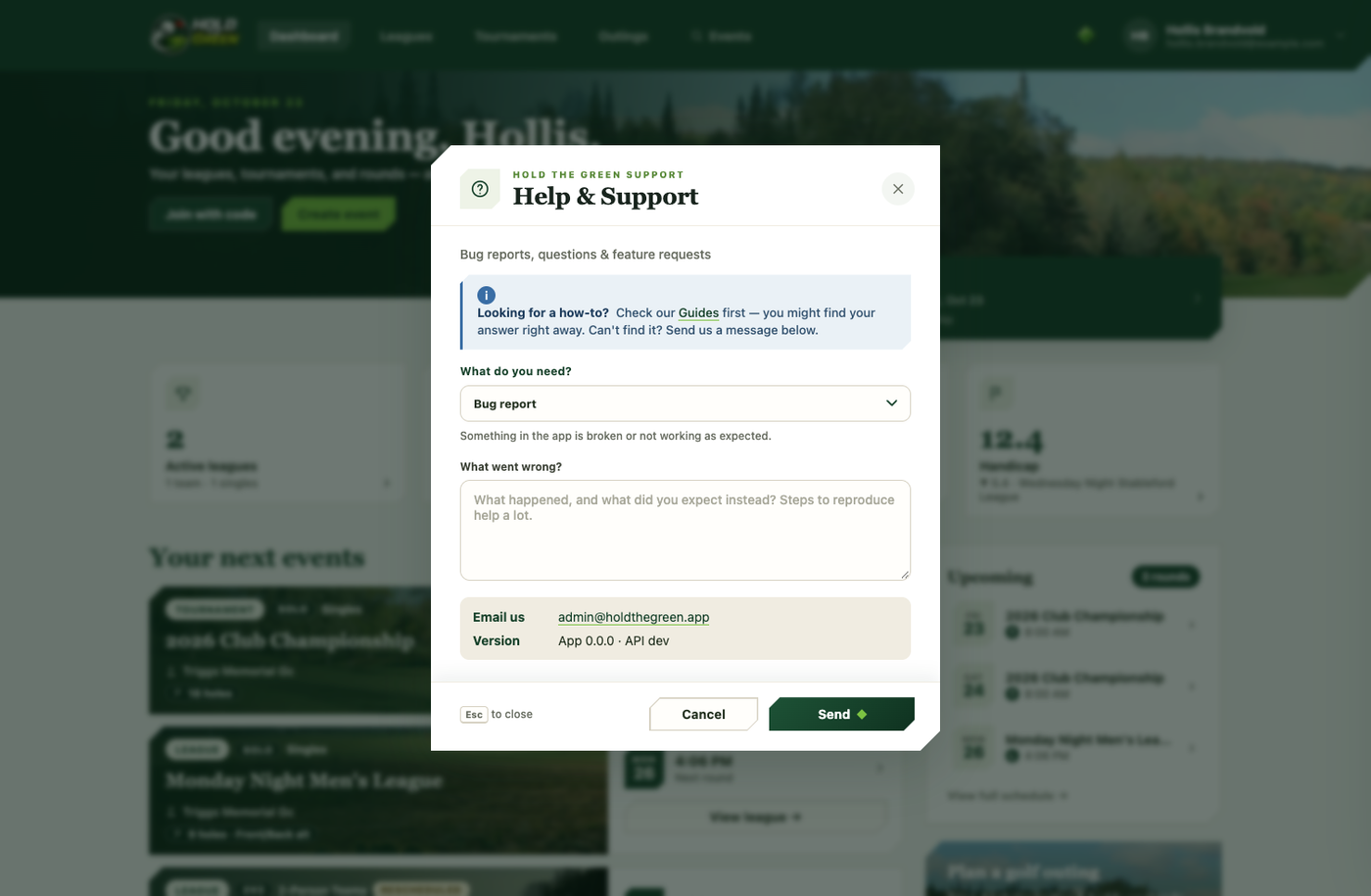
Pick what you need from the dropdown: a bug report (something's broken or not working as expected), a general question, or a feature request — describe what happened, or what you need, in your own words. The more specific you are, especially with a bug (what you expected vs. what actually happened, and the steps that got you there), the faster it gets tracked down.
What we see on our end
When you send it, a few technical details get attached automatically — your app version and some behind-the-scenes diagnostics — so the team can track the issue down faster without you having to describe your device and browser from scratch.
Reference number
Once sent, you'll get a reference number you can quote if you follow up. You can also always email support directly — the address is shown right in the dialog.