

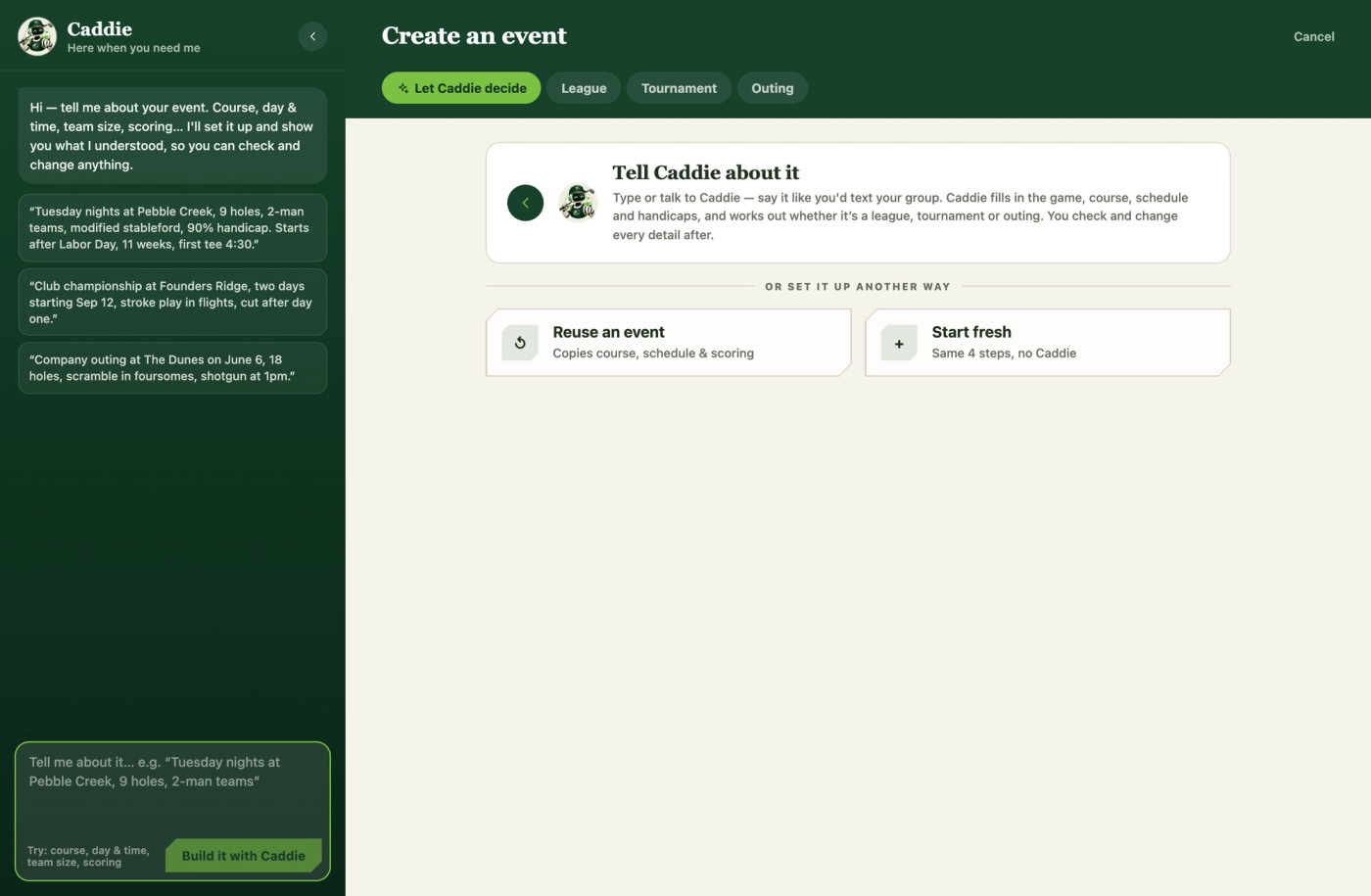
Click Create event on your dashboard. Tell Caddie about your event in plain English (type it or say it) and it fills in the four steps for you to check. Or choose Reuse an event or Start fresh and work through them yourself:
Step by step
Game. The format and how it's played: teams, team scoring, pairing, gross or net.
Where and when. The course and tee, then the schedule (a league's day, start and weeks; a tournament's or outing's rounds).
Handicaps. Allowance, course handicaps, standings, a cut, eligibility.
Launch. The name, field size, public or private, dues, then Review and launch.
Nothing is created until you launch
Every line Caddie fills in can be clicked and changed. Reusing a past event copies its course, schedule and scoring with the dates moved forward.
Did this answer it?
Updated