

Open Find an event from your account menu: the avatar in the top right, or More on mobile.
Step by step
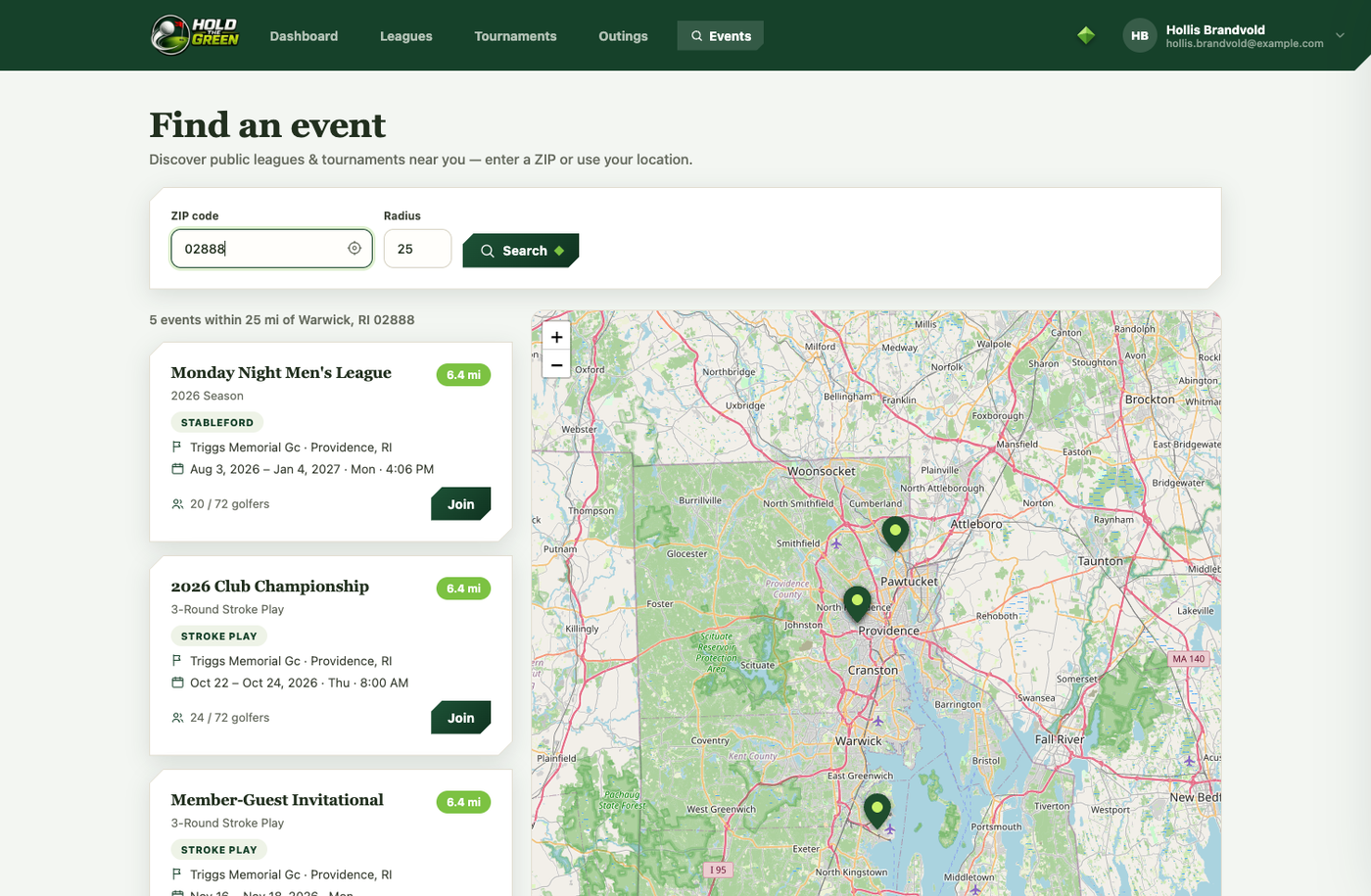
Enter a US ZIP code and a radius in miles, then tap Search. Or tap Use my location to search around wherever you are.
Public events within that distance show up on a live map and in a list beside it.
Tap a result to see its format, course, dates, distance and how many spots are filled, then tap Join to request to join.
Choose Join as a golfer or Join as a sub (for a tournament, the sub option is the waitlist). The organizer gets your name, handicap and contact info with your request, and decides whether to add you.
Can't find your group?
Only events an organizer has made public show up here. Private, invite-only events are joined with a join code from the organizer instead.
Did this answer it?
Updated