

Course handicaps live in the builder's Handicaps step, and later in an event's settings.
Step by step
Open the builder's Handicaps step, or the event's Settings.
Turn on Course handicaps.
With it on, each player's handicap is adjusted using the slope and course rating of the tee they actually played, instead of their stated index as it is. Leave it off and everyone's stated index is used directly.
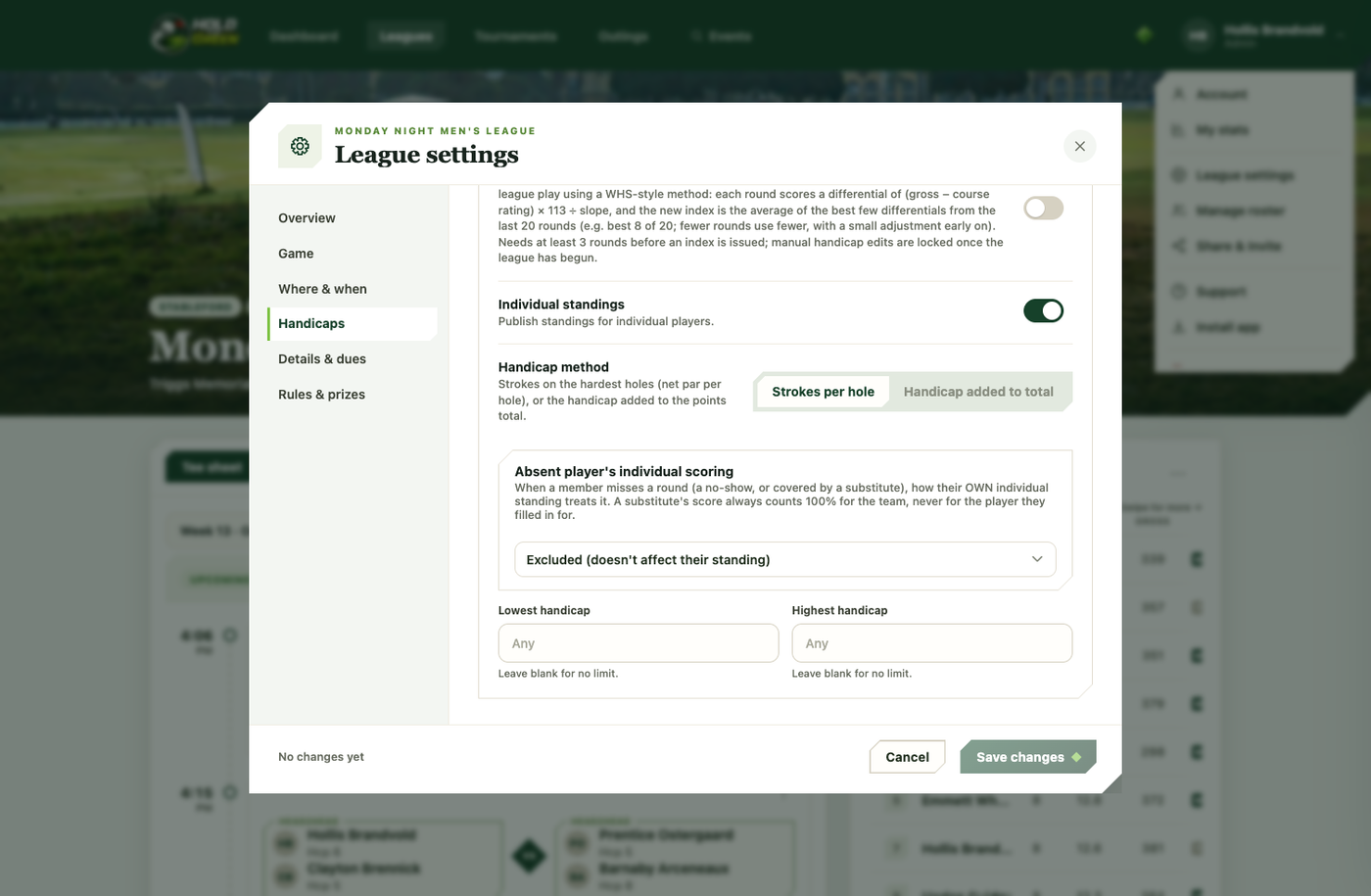
Mixed tees? Turn it on
Any time your group plays from different tees in the same round, this is what keeps the scoring fair.
Did this answer it?
Updated