

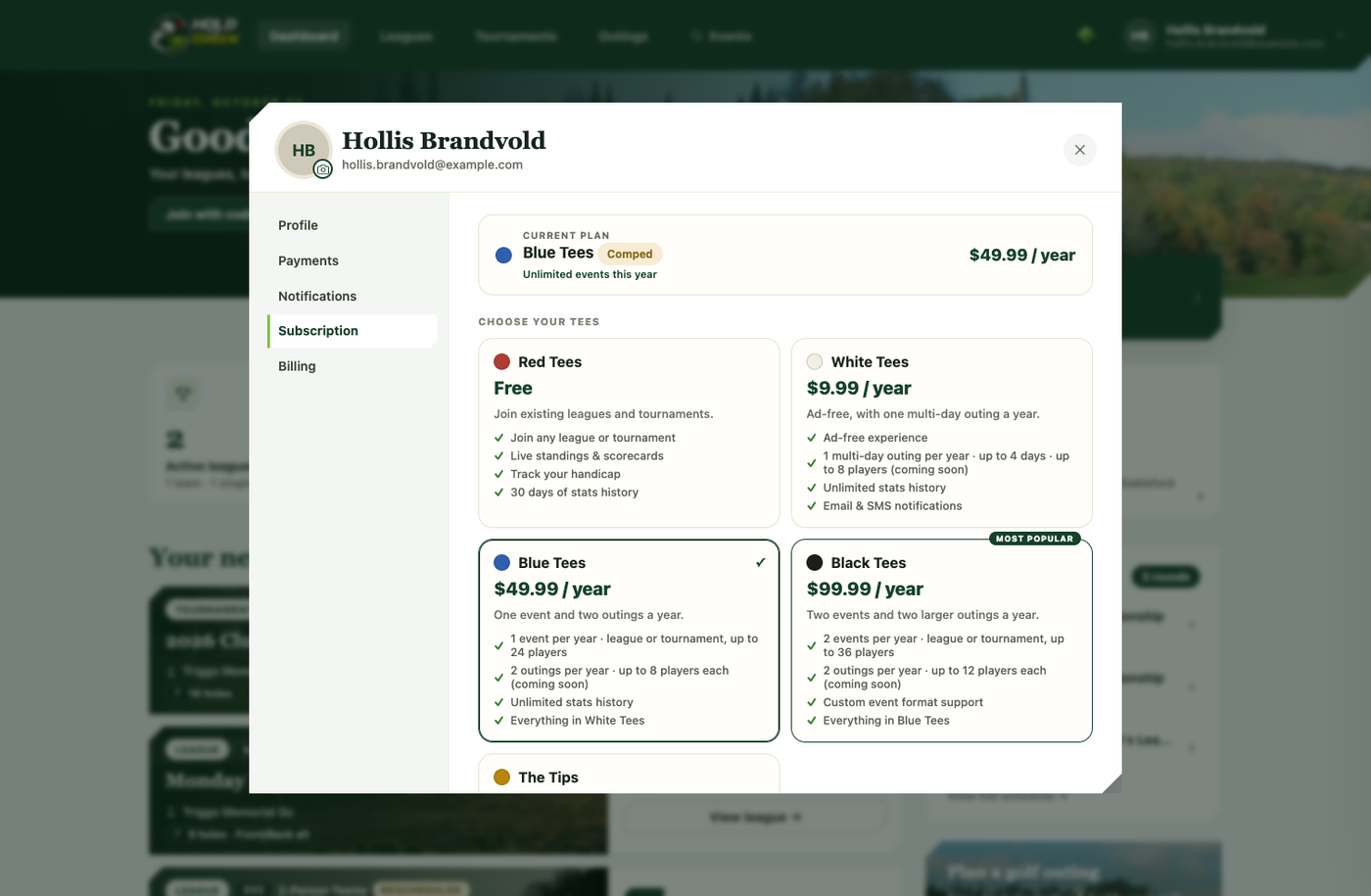
Open the account dialog's Subscription tab.
Step by step
Tap the tier you want. A Subscribe button appears.
Have a discount code? Enter it in the Discount code field before subscribing, and it's applied at checkout.
Tap Subscribe. On a paid or partly discounted tier this opens a secure Stripe payment form. A fully free code activates your plan right away, with no payment step.
Not showing yet?
Your new tier appears in the dialog within a few seconds. Reload the page if it's slow. Subscription tiers lists what each tier includes.
Did this answer it?
Updated