

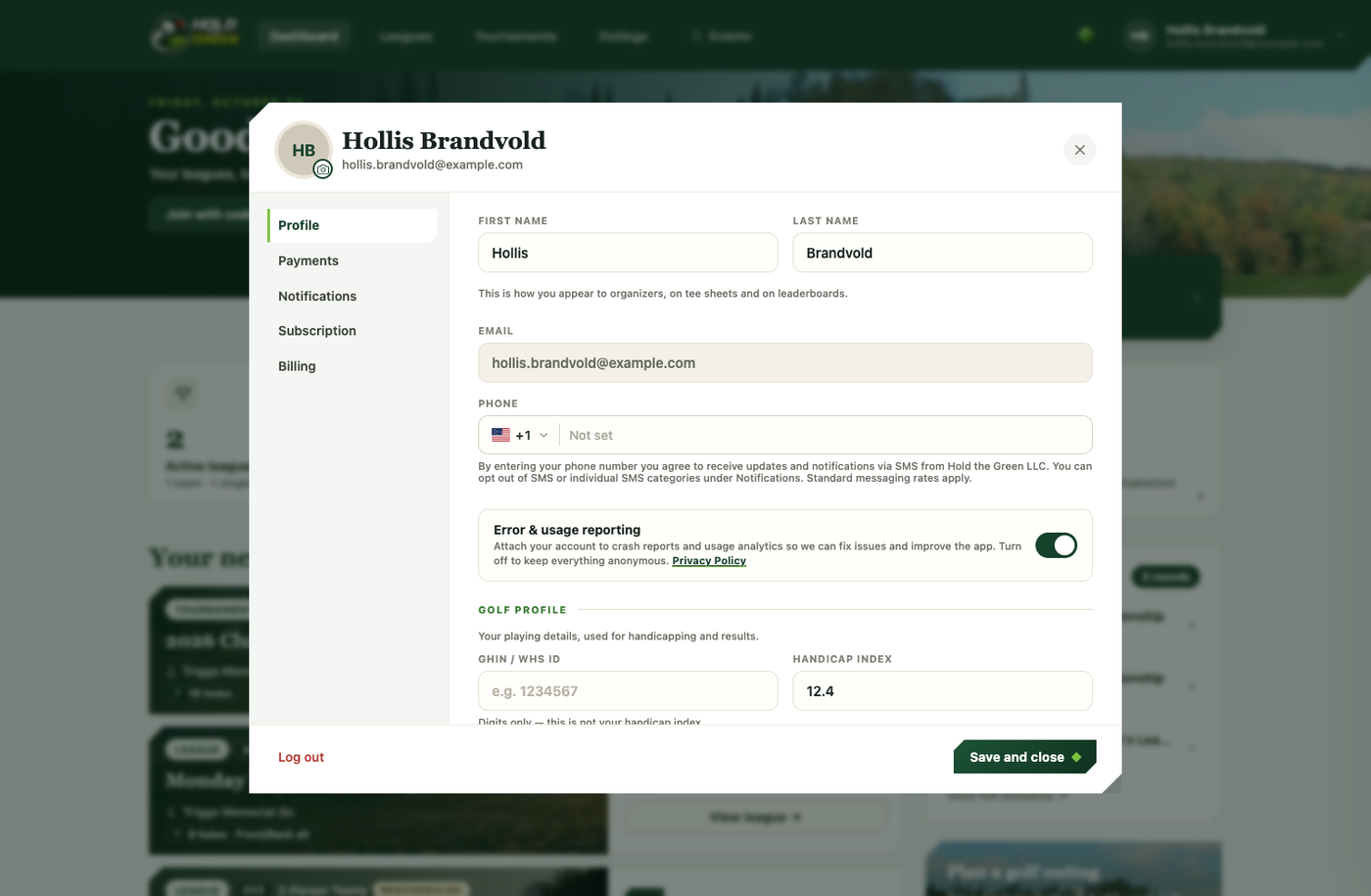
Open the account dialog and go to the Profile tab.
Step by step
Scroll down to the Download my data button, just above the Danger zone.
Tap it to get a copy of your data.
It's only a copy
Downloading doesn't delete or change anything on your account. It's purely for your own records.
Did this answer it?
Updated