

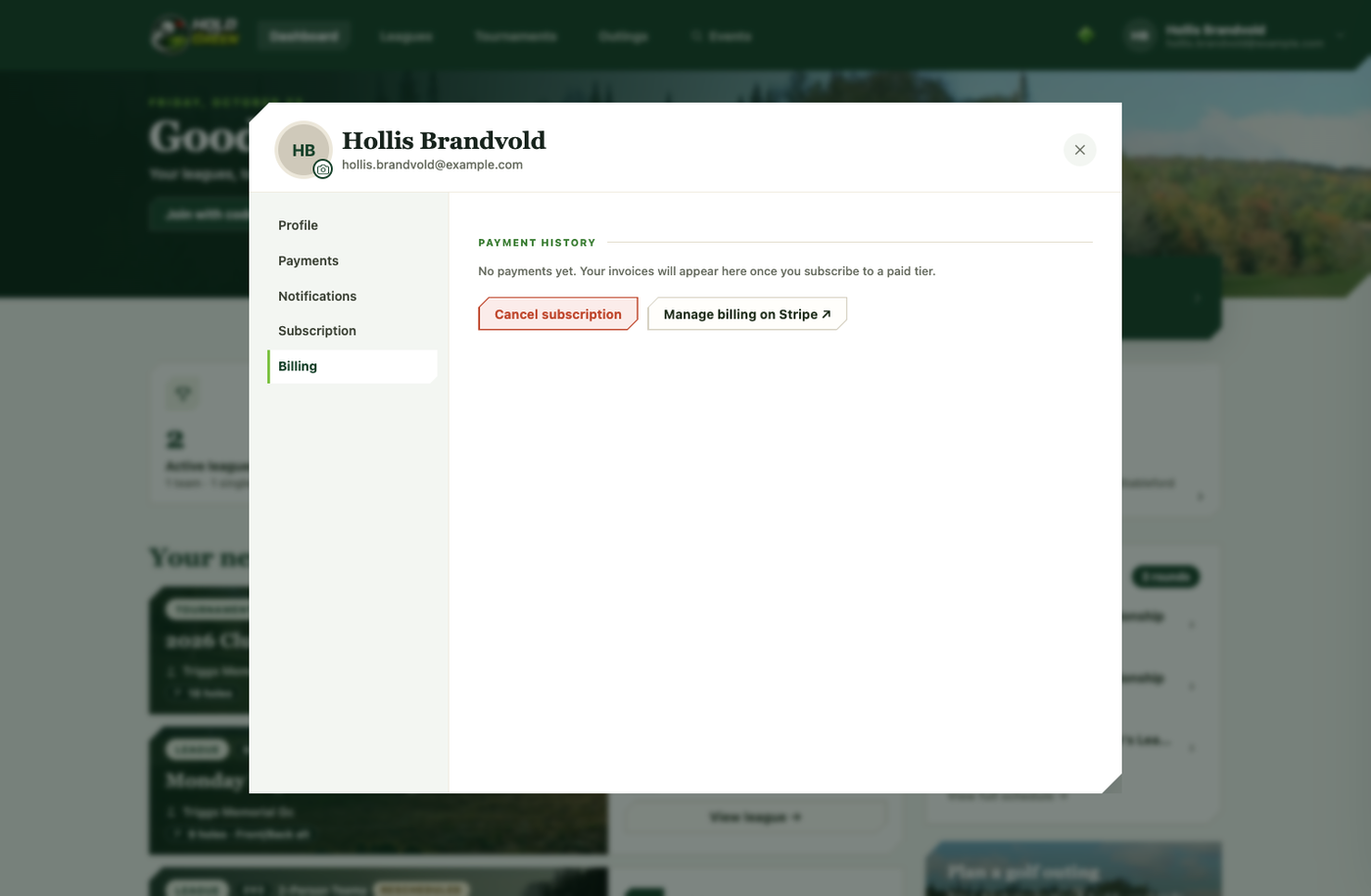
Open the account dialog's Billing tab.
Step by step
Find Update your payment method and change the card being charged, right in the app.
If a renewal failed you'll see a past-due banner. Updating your card here retries the open invoice automatically, so you don't lose access while you sort it out.
For more detailed billing, tap Manage billing on Stripe to open the secure Stripe customer portal, then come back to the app when you're done.
Your card stays with Stripe
Payments are handled entirely by Stripe. The app never sees your full card details.
Did this answer it?
Updated