
Managing Your Subscription & Billing
The Billing tab, in the account dialog, is where payments live once you're on a paid tier.
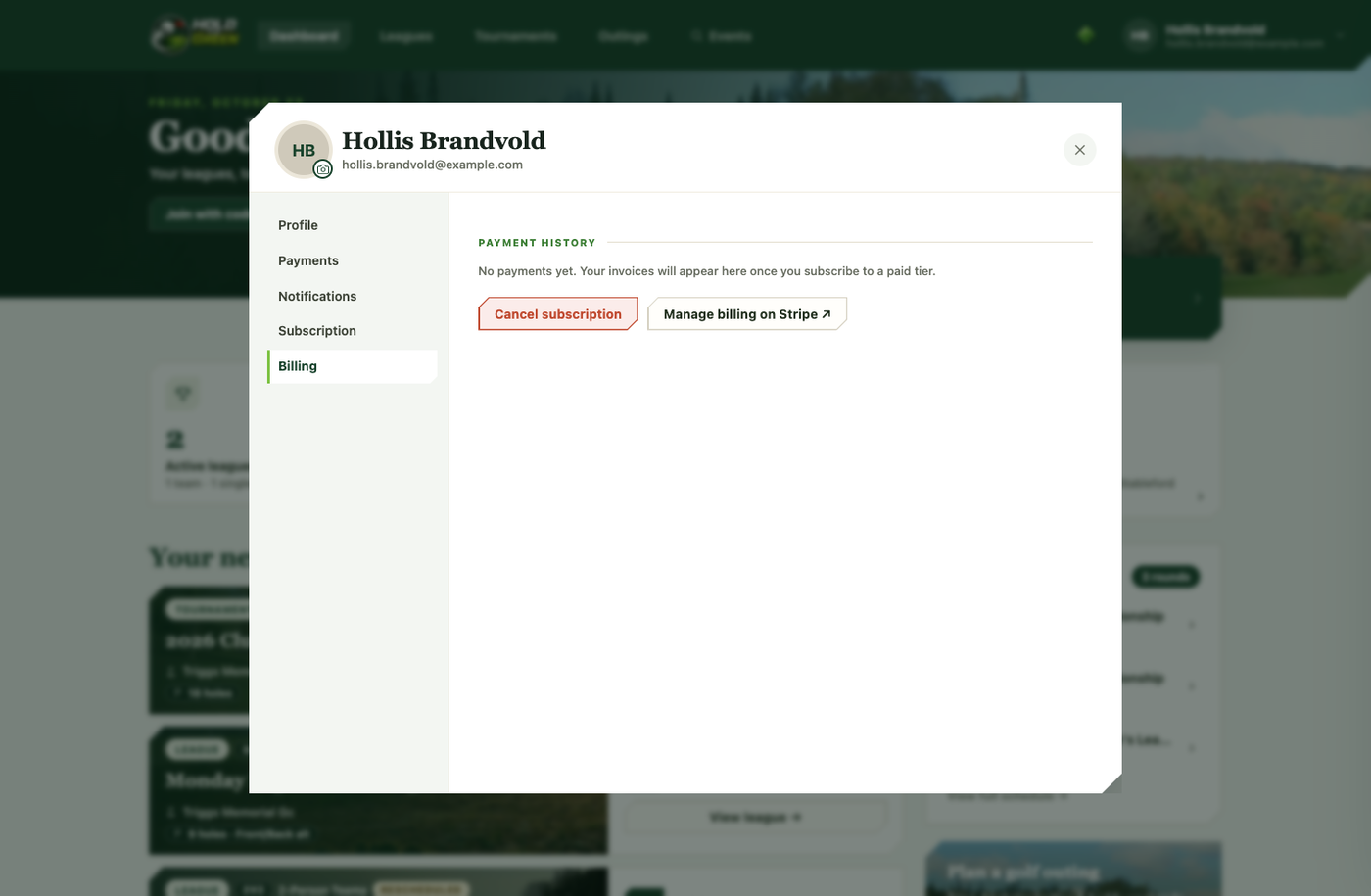
What's there
Payment history. Every charge, with its date, amount, status, and a link to the receipt. Nothing shows here until you're on a paid tier — a fresh account just says there's nothing yet.
Subscription summary. The card on file and your next renewal (or cancellation) date.
Update your payment method. Change the card being charged, right in the app. If a renewal payment failed, a past-due banner appears, and updating your card retries the open invoice automatically so you don't lose access while you sort it out.
Manage billing on Stripe. Opens the secure Stripe customer portal for more detailed billing management, then returns you to the app when you're done. Payments are handled entirely by Stripe — the app never sees your full card details.
Cancelling
On a paid plan, the Billing tab has a Cancel subscription button. It opens a confirmation panel that explains exactly what happens: future renewals stop, you keep access until the end of the period you've already paid for, and then you drop back to Red Tees. Type "cancel my subscription" to confirm.
If you're on a paid tier and haven't run any event that billing period, the team automatically reviews your cancellation for a possible refund and gets back to you within about 72 hours. Red Tees is free, so there's nothing to cancel on it.