
Managing Your Roster, Teams & Schedule
On your event's page — as the organizer or a manager — this is where the actual week-to-week running of the event happens.
Roster
Open Manage roster from the menu to add players and subs (or a waitlist for tournaments), move people between lists, and remove them. You can also invite everyone from a past event in one click, and share a join code, QR code, or public leaderboard link from the Share & Invite action.
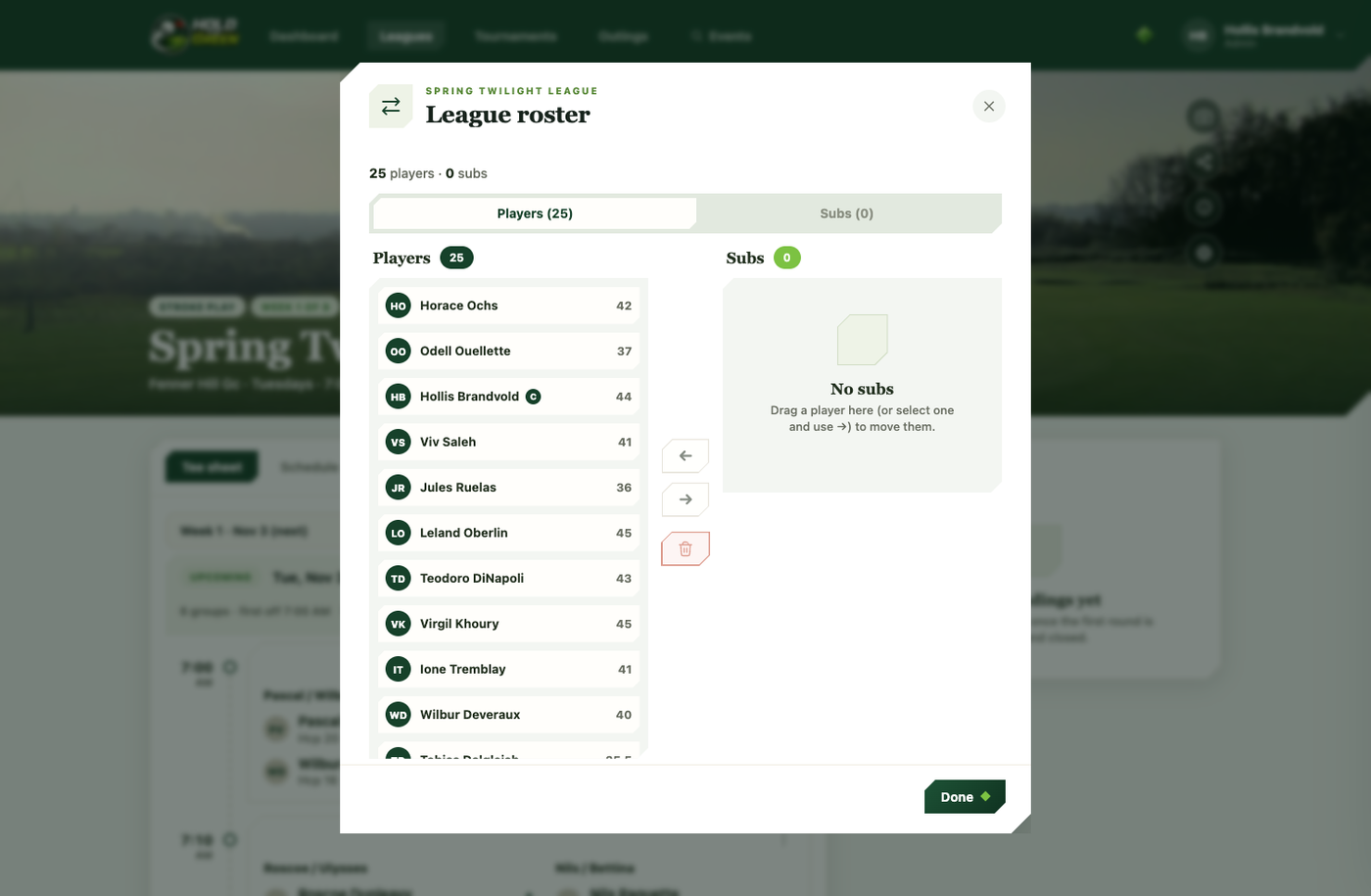
Once a season has started, the roster locks — substitutions from that point on are handled per round on the tee sheet instead, not by editing the roster directly.
Withdrawals and disqualifications
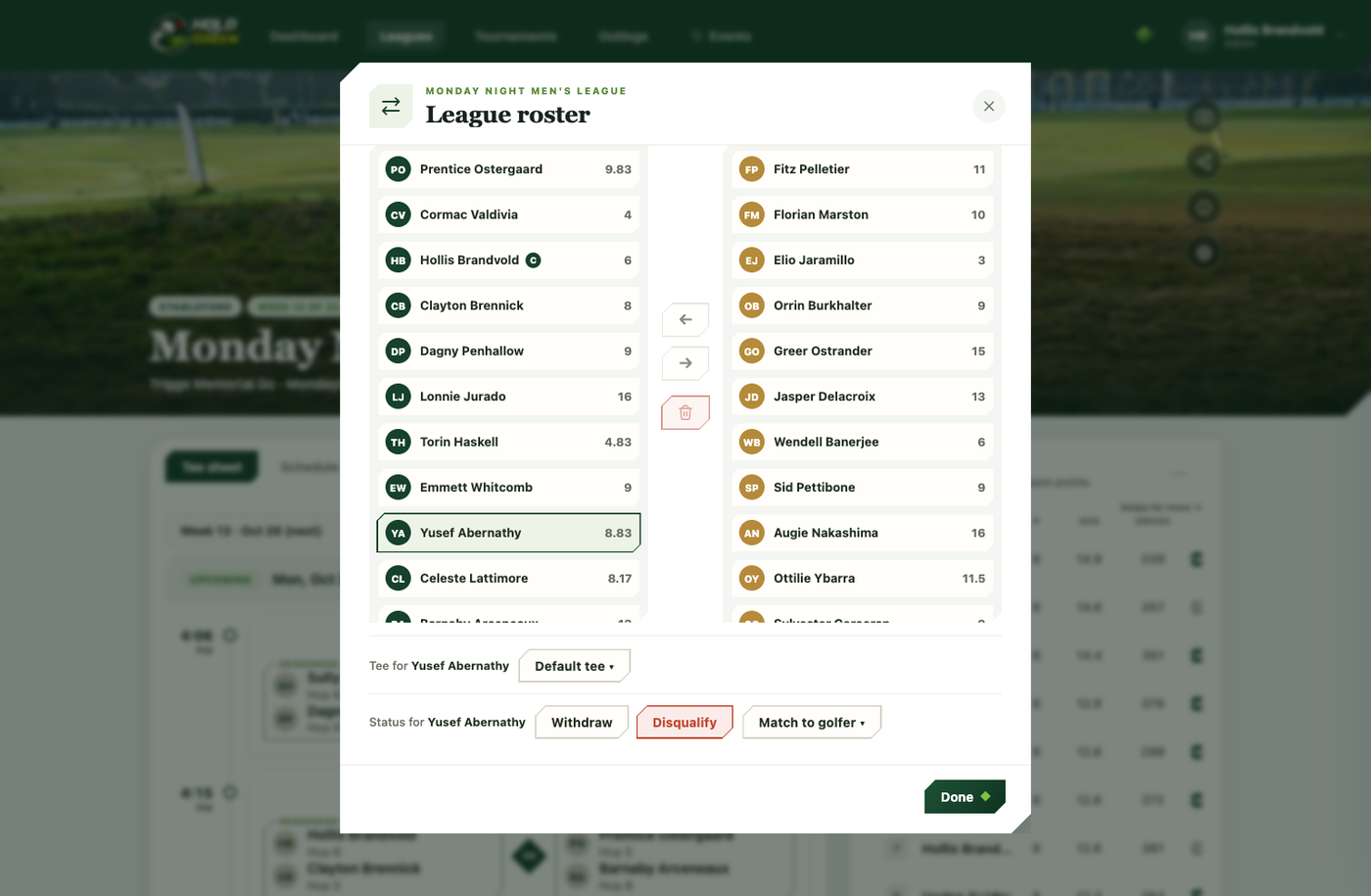
Select a golfer in the roster manager (before the season locks) to reveal Withdraw and Disqualify actions. There's a real difference between the two and a no-show: a withdrawal or disqualification pulls a player cleanly out of standings and leaderboards going forward, rather than leaving a zeroed-out row sitting in the results for the rest of the season. Players can also withdraw themselves before an event starts.
Teams (team formats)
The Teams tab builds teams manually, randomly, balanced by handicap, or into flights, then lets you rename and rearrange them however you like.
Schedule
The Schedule tab seeds each round's playing groups. When you seed or regenerate, you choose the group size — twosomes, threesomes, or foursomes for individual play, or one or two teams per tee time for team formats, so no one is ever left teeing off alone.
From there you can edit each week: drag golfers between groups to rearrange pairings (individual play), swap tee times, skip a week, postpone and shift the whole season, or run a position week that re-pairs groups by current standings.
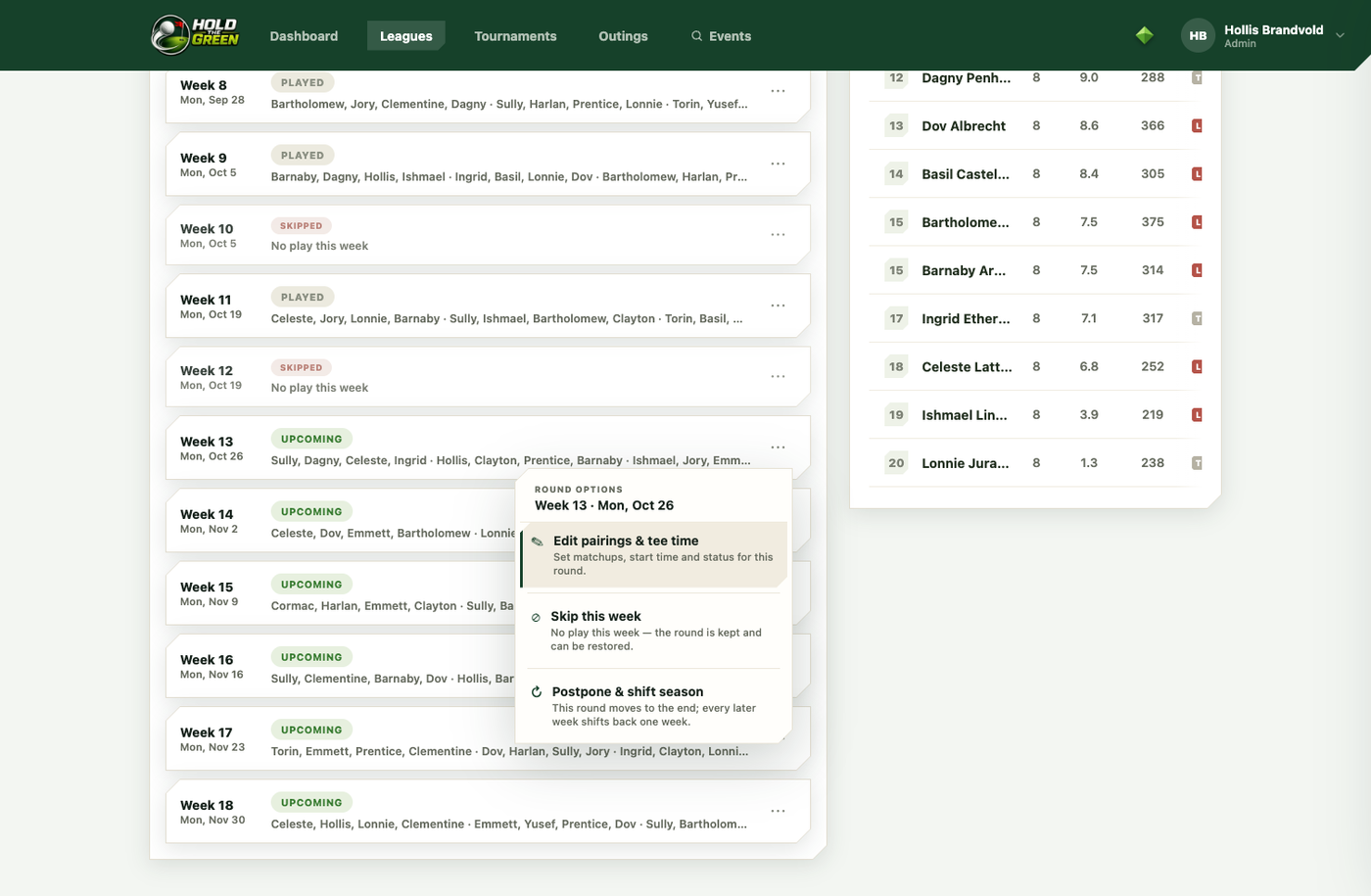
Add a golfer after seeding and they drop into a new group automatically, ready to be dragged wherever you want them. Multi-course events assign a course per round from this same tab.
Delegate and hand off
Add co-managers, or transfer ownership entirely to one of them, from the event's settings dialog — useful if you're stepping back from running the league but don't want it to end.