
How do I claim my golfer profile?
If an organizer added you to a league or tournament before you signed up, a golfer profile may already exist for you, and your dashboard shows We found a golfer profile that may belong to you.
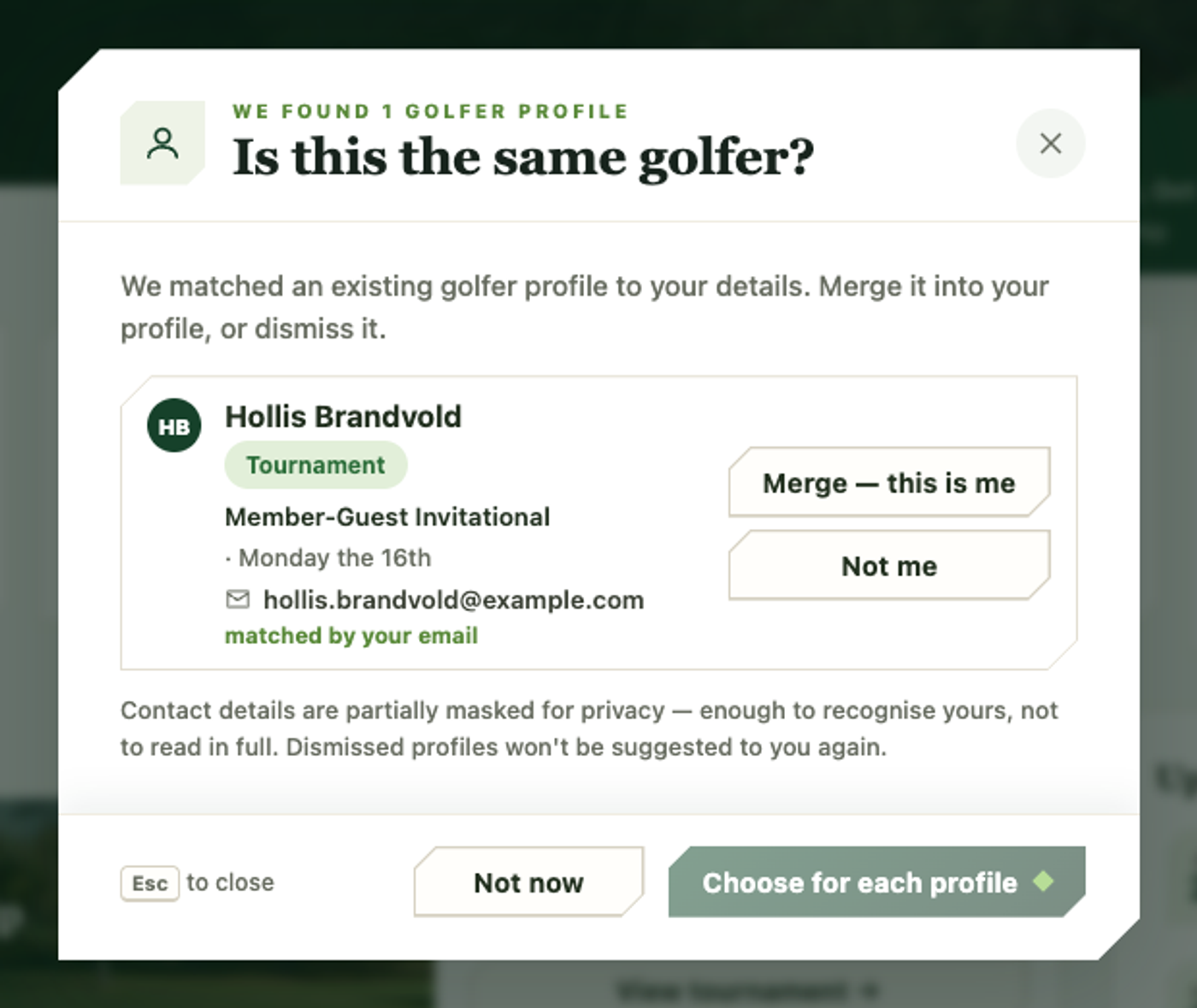
- Click Merge into my profile on that prompt. The Is this the same golfer? dialog lists each matching profile, with the league or tournament it’s on, when that event plays, and whether it matched your email or your phone.
- On each profile that’s really you, click Merge — this is me. On any that isn’t, click Not me.
- Not ready to decide? Not now closes the dialog and the prompt comes back later.
One matching profile links straight to your account; several (duplicates of you) merge into one, moving every roster spot and score onto it.
Profiles you mark Not me won’t be suggested again. Once claimed, your GHIN and handicap become editable from the account dialog, and your standings and scores everywhere follow you from that point on.